"An alternative to SQLite in JSON Format!"
| CHANGELOG.md | ||
| ExampleDB.json | ||
| ExampleDB.min.json | ||
| jsondb.py | ||
| LICENSE | ||
| README-TR.md | ||
| README.md | ||
| TemplateDB.py | ||
| test.py | ||

JsonDB
"An alternative to SQLite in JSON Format!"
! This project is still under development.
Todos:
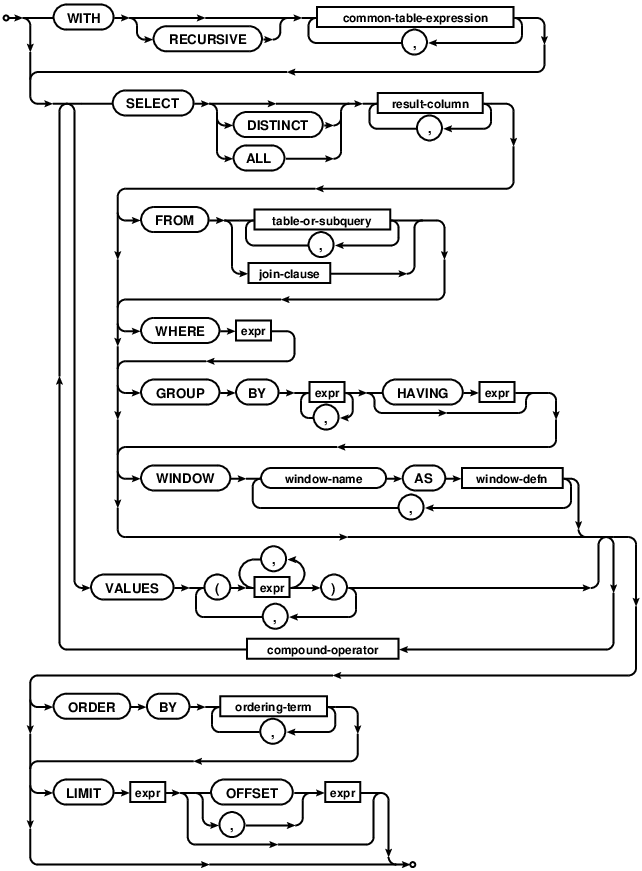
- Adapt SQLite "Select" Command:
- Select all datas.
- Select by column.
- Select by the
whereparameter. - Select by column and the
whereparameter. - The
order_byparameter will be added to theselectmethod. - For too big databases, the limit parameter will be added to the select method.
How to use
Import the Module and init the class:
from jsondb import JsonDB
db = JsonDB("ExampleDB.json")
Show the tables:
print(db.show_tables())
# ['Users']
Get the columns:
print(db.get_cols("Users"))
# ['ID', 'User', 'Pass']
Selecting the data:
print(db.select("Users"))
# [(0, 'Samet195', 'abc123'), (1, 'root', 'pass'), (2, 'admin', 'pass')]

print(db.select("Users",col="ID"))
# [0, 1, 2]

print(db.select("Users",col="User"))
# ['Samet195', 'root', 'admin']

print(db.select("Users",where={"ID":0}))
# [(0, 'Samet195', 'abc123')]

print(db.select("Users",where={"Pass":"pass"}))
# [(1, 'root', 'pass'), (2, 'admin', 'pass')]

print(db.select("Users",col="User" ,where={"Pass":"pass"}))
# ['root', 'admin']